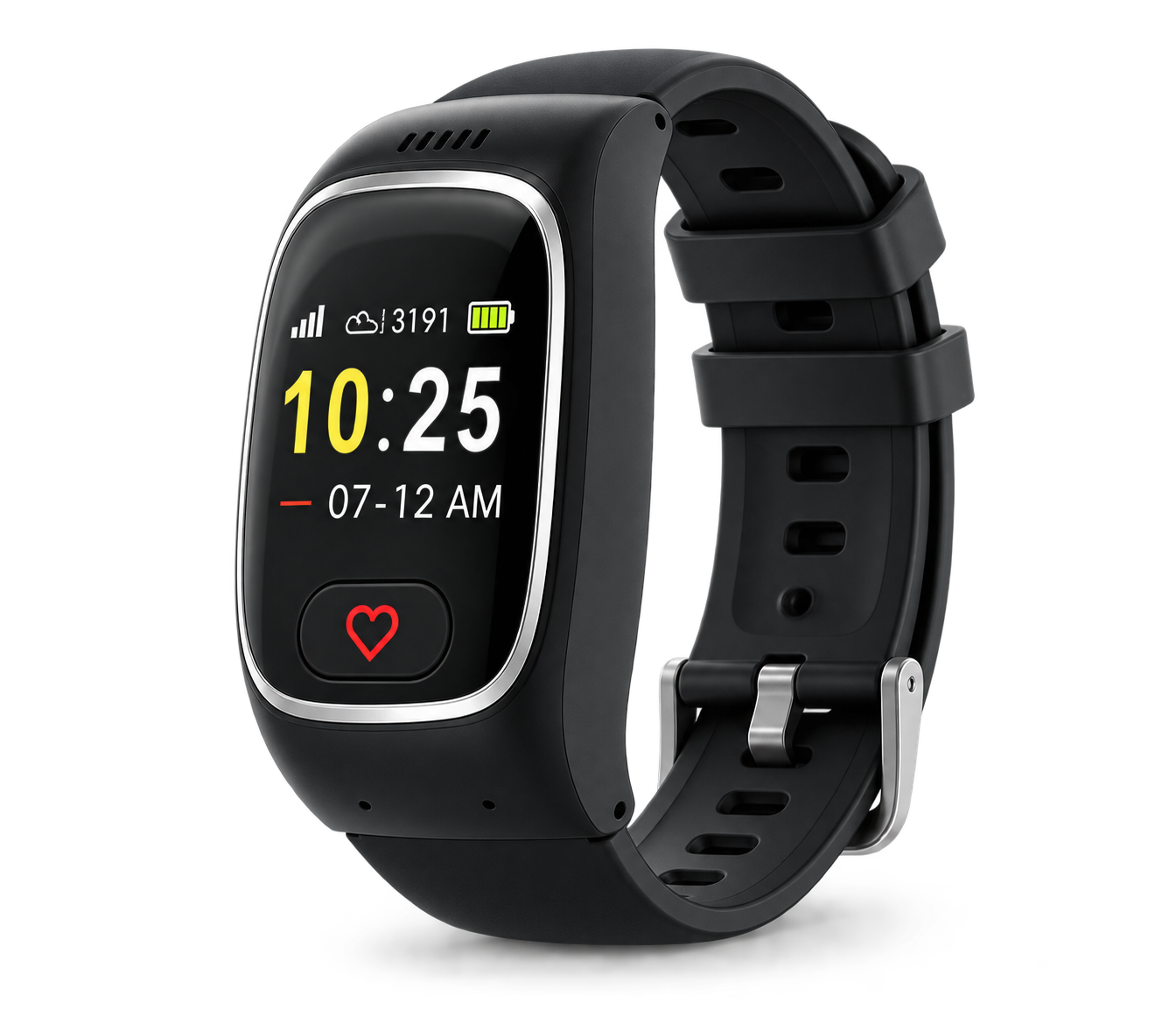
You press your device
Press the button on your Go adults' GPS watch or One GPS pendant whenever you need help. Or it calls us automatically if a hard fall is detected. Accidentally pressed? Just let us know when we answer — we’ll take it from there.
One press. That’s all it takes. From the moment you need us to the moment help arrives, our UK monitoring team handles Go and One alerts — simple, fast and reassuring, every single day. Junior is family monitored via the TrueKare app only and is not connected to our 24/7 monitoring team.

Every emergency call is answered by a real person within seconds. That’s our real average, not our best case. We speak to you by name and can access your emergency details the moment you call.
Press the button on your Go adults' GPS watch or One GPS pendant whenever you need help. Or it calls us automatically if a hard fall is detected. Accidentally pressed? Just let us know when we answer — we’ll take it from there.
One of our friendly UK-based care team speaks to you directly through your device — you don’t need a phone nearby. We’re here 24 hours a day, 365 days a year.
We listen carefully, quickly assess the situation, and swiftly arrange the right support — whether that’s a family member, neighbour, or the emergency services.
Simple. Fast. Reassuring.
When you join, you create a secure record that makes sure our care team has everything they need in an emergency.
It covers your health history, medications, GP details and emergency contacts — everything first responders should know. Even if you can’t speak, we have what we need to get you the right help and brief the emergency services before they arrive.


Choose up to six contacts — family, friends, neighbours, whoever you’d want us to reach. In a non-emergency we contact them first. In an emergency, the emergency services come first, then your people. Either way, you’re never facing it alone.
Not sure who to choose?
We’ll help you work it out when you join us.
When choosing contacts, pick people who are easy to reach and nearby if possible, and make sure they know they are on your list.
Got a question about what happens in an emergency? We’ve answered the ones we hear most often below.
If you accidentally press your device, there’s no need to worry. When your call is answered, simply let us know it was a mistake. We’ll confirm you’re safe before ending the call. It’s always better to press and not need help than to need it and not press.
If you activate your device and can’t speak, or if an alert is raised automatically through fall detection, our care team will still take action. They will assess the situation and follow the appropriate steps to get you help.
If your device includes fall detection, it can automatically raise a call if a hard fall is detected. Fall detection provides an extra layer of support, but it cannot detect every type of fall, so whenever you are able, it’s always best to press your button yourself.
Whether you’re ready to get started or just want to understand your options, we’re here to help.
Mon–Fri, 9am–5pm