
Fast, Simple Setup for Your Safety Alarm Pendant
Activate your MediAlarm
safety alarm pendant in minutes. Download the app, access your portal, track GPS, check battery levels, view device activity, and get help instantly at the press of a button. Built for older adults, vulnerable individuals, carers, and lone workers who need protection they can rely on every day.
Welcome to Your Pendant Setup & Technical
Help Centre
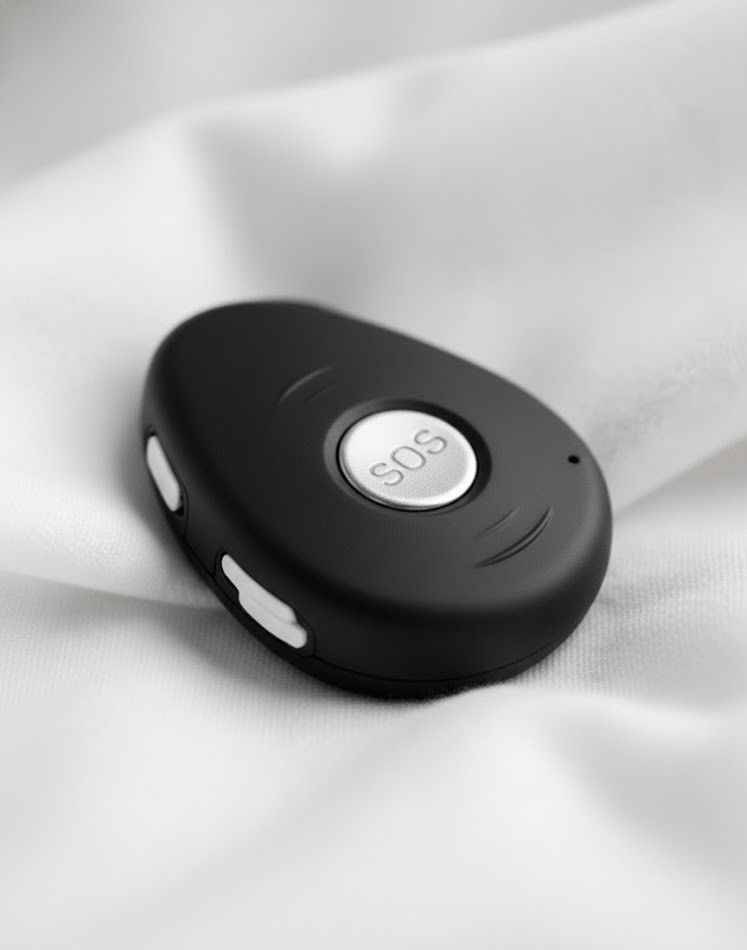
Your MediAlarm safety alarm pendant is built to do one thing, get you help fast. Setting it up should feel just as simple. This page guides you through activating your pendant, downloading the app, accessing your portal, and using every feature with total confidence.
The pendant is designed to be lightweight, easy to use, waterproof, and reliable for everyday safety. With one press of the SOS button, the pendant connects directly to our UK-based 24/7 monitoring centre, where trained responders assess the situation and send the appropriate help.
Once activated, your
safety alarm pendant keeps you protected anywhere in the UK with mobile signal.
1
DOWNLOAD THE WEB SELF CARE APP
The Web Self Care app allows you or your family to monitor your safety alarm pendant at any time. This makes it ideal for families, carers, and lone worker supervisors who want reassurance without constant check-ins.
2
REQUEST YOUR LOGIN DETAILS
If you do not yet have your login details, click below to email us:
We will send you your secure login credentials.
3
LOG INTO YOUR PORTAL
Enter your details into the Web Self Care app.
Once you’re logged in, you’ll gain access to your full pendant dashboard.

After installation, the app will prompt you for your login details.
WHAT YOU CAN VIEW IN YOUR PORTAL
Your portal provides real-time data from your safety alarm pendant, giving you continuous visibility, timely alerts, and the essential information needed to keep you safe and supported every day.
GPS Location Tracking
Your portal shows the real-time GPS location of the user, giving you instant visibility whenever needed. You always know where your loved one or lone worker is, indoors or outdoors, with precise tracking that updates continually for complete peace of mind.
Battery Level Monitoring
The portal displays the current battery percentage so you always know when the safety alarm pendant needs charging. You can check battery life anytime, helping prevent unexpected shutdowns and ensuring the device remains active, reliable, and ready to call for help.
SOS & Activity History
You can review every SOS press, alert, or help request made in the past 30 days. This gives family members and carers a clear record of what happened, when it happened, and how the situation was handled, offering reassurance and helpful insight into daily safety.
Device Status Tools
Your portal provides additional device insights depending on your pendant model. This may include fall detection alerts, roaming indicators, call history, geofence notifications, and more. It adds a deeper layer of protection by showing how the device is performing.
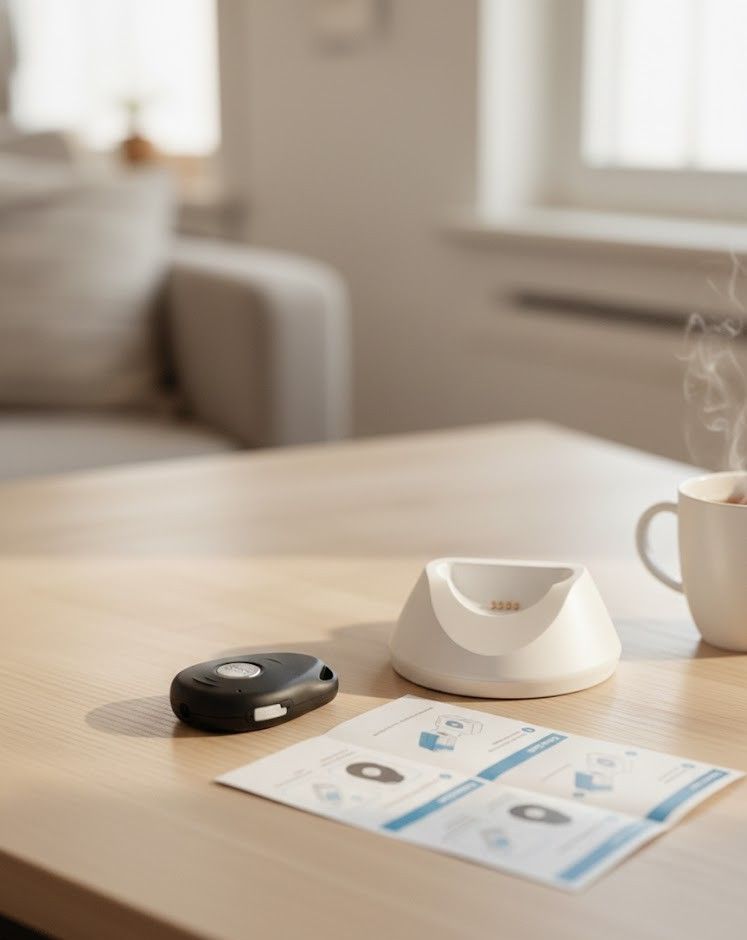
DEVICE SETUP - QUICK START GUIDE
Charging Your Safety Alarm Pendant
• Connect the pendant to the charging cradle.
• Charge for at least 2 hours before first use.
• A red light indicates correct charging placement.
• Daily charging is recommended.
Turning the Pendant On/Off
•
On: Press the grey side button for 1 second.
•
Off: Press the grey side button and the SOS button together.
Using the SOS Button
• Hold the SOS button for 3 seconds.
• The pendant vibrates and beeps to confirm activation.
• It then connects to our 24/7 monitoring team automatically.
If your pendant has fall detection, it may automatically trigger an alert when a fall pattern is detected.
The
safety alarm pendant
is engineered for simplicity, one button, fast response, no confusion.
TROUBLESHOOTING FOR SAFETY ALARM PENDANT USERS
Your safety alarm pendant is designed to be reliable and simple to use, but like any device, occasional issues can occur. This troubleshooting guide covers the most common situations, helping you quickly restore full functionality and maintain uninterrupted protection.
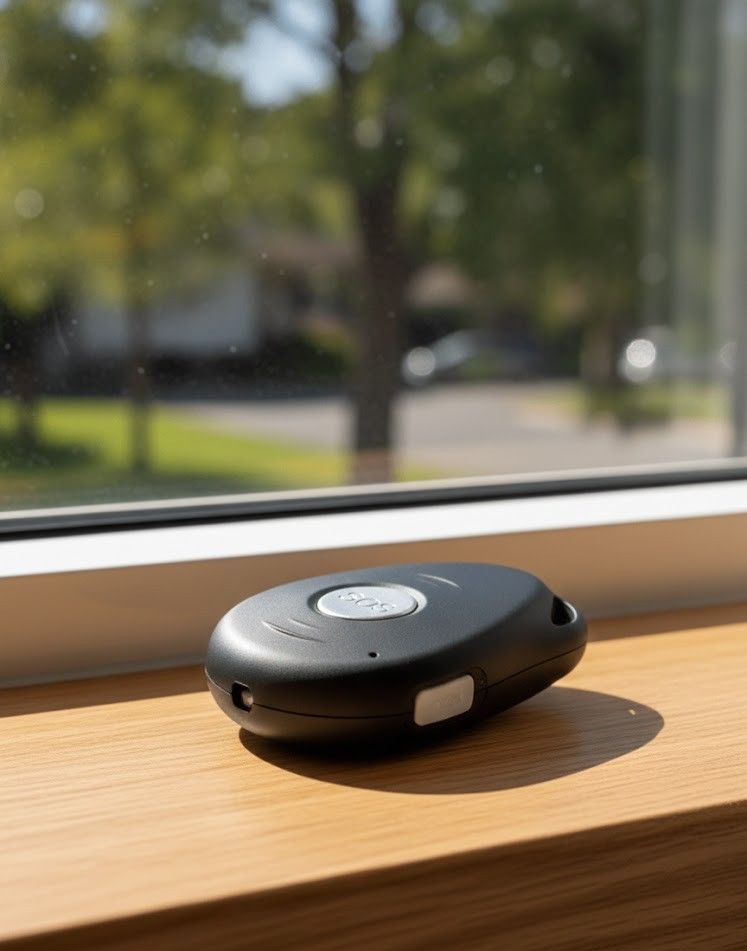
GPS Not Updating?
GPS accuracy can vary depending on signal strength. If the location is not updating, move closer to a window or go outdoors so the pendant has a clear line of sight to satellites.
Allow a few minutes for the device to establish or refresh positioning. Thick walls, basements, and metal structures can interfere with GPS signals, so always test in an open area when possible.
Pendant Not Charging?
If your safety alarm pendant is not charging, start by gently cleaning the metal charging contacts on both the pendant and the cradle, as dust or oils can interrupt the connection.
Make sure the pendant is seated correctly in the cradle and that the indicator light activates. If charging still fails, try using a different USB plug or power source, as some adapters may not provide a stable output.
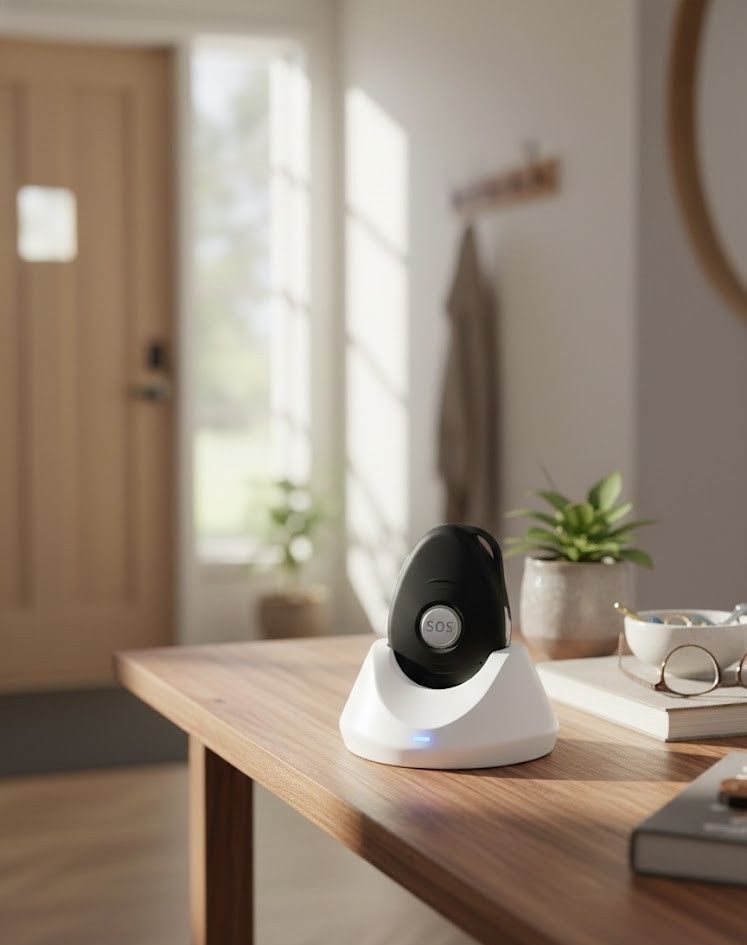
SOS Not Triggering?
If the SOS alert does not activate, ensure you are holding the button firmly for the full 3 seconds until you feel the vibration or hear the confirmation tone.
Check that the pendant has sufficient battery and is in an area with adequate mobile network coverage. If the issue continues, reboot the device and try again. If SOS still fails to activate, contact our technical support team so we can diagnose the problem and restore full functionality.
Frequently Asked Questions
Everything you need to know
How long should I charge my safety alarm pendant for?
We recommend charging the pendant for at least two hours before first use. After setup, a short daily charge keeps the device active and ready. You can check the battery level anytime through the Web Self Care portal.
Why isn’t my pendant’s GPS location updating?
GPS works best outdoors or near a window. If the location isn’t updating, move to an open area and allow a few minutes for satellite connection. Thick walls, metal structures, and basements can weaken the GPS signal temporarily.
What should I do if the SOS button doesn’t activate?
Hold the SOS button down for a full three seconds until you feel a vibration or hear the confirmation tone. Make sure the pendant has enough battery and mobile signal. If the issue continues after rebooting the device, contact our support team.
Can carers or family members monitor the pendant remotely?
Yes. The Web Self Care app allows authorised carers or family members to view GPS location, battery level, and SOS activity. This provides extra reassurance without needing to physically check on the user.
Does the pendant still work if there’s a power cut?
Yes. The safety alarm pendant runs on its own internal battery, so it continues to work during a power cut. As long as the device has charge and mobile network signal, it can send SOS alerts and update its status in the portal.